
Requires a Civil Registration Certificate for a person’s birth. It can create a birth fact, as well as parents and informant information and can complete the Text From Source field for the source.
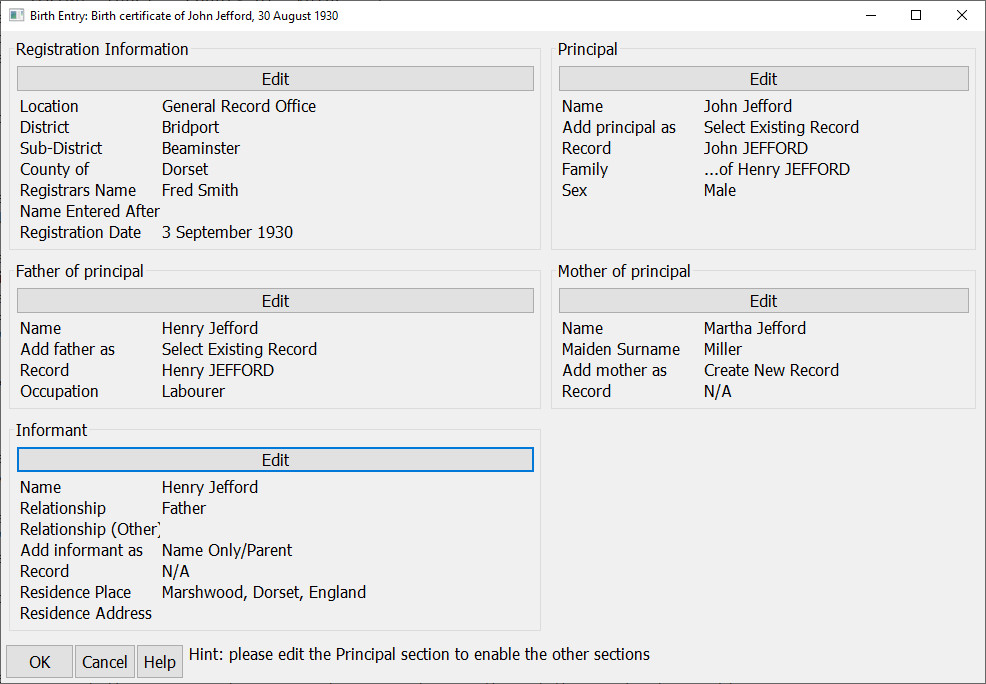
Process
First create your new source using the Civil Registration Certificate source template, set the Type field to ‘Birth’ and complete the required information. Then click on the Data Entry Assistant button and select this plugin. Next complete all of the sections, starting with the ‘Registration Information’ and ‘Principal’ sections, before finishing the final three sections.
Pressing OK when all has been entered will replace the contents of the Text from Source field for the source record, and will create and update all the data to match the information entered.
When complete, a result set showing all the fields added or updated will be shown and you can double click on any entry to update or change it. At this point, if you wish, you can select “Undo plugin updates” on the main application Edit menu to undo everything the plugin has done.
Plugin Record Birth Data (UK)
Help content on this page is owned and provided by Calico Pie, the plugin's author, Calico Pie takes no responsibility for its content.