
This version of image popups is still under development and has some teething problems.
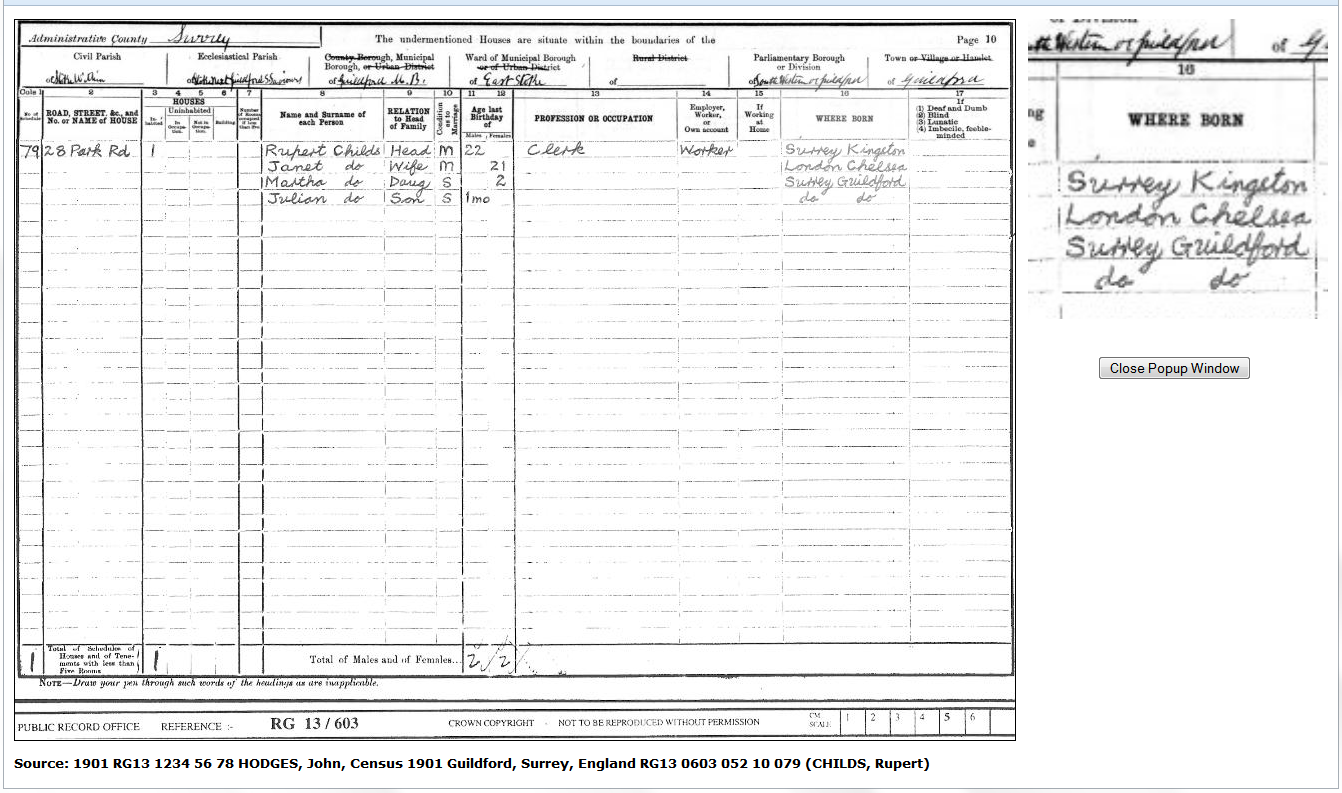
This popup window appears immediately after clicking the thumbnail, and reuses an open popup window. Its initial size is based on the image size. The window can be moved, resized, and scrolled. A grey movable frame, initially top left, displays a portion of the image in the zoomed region top right. Use the cursor to drag the frame anywhere in the image, and drag its lower corner to adjust the zoom scale. Click Close Popup Window to close the window.
There are some problems with this popup style:
- Currently the popup window must be closed between use.
- Internet Explorer 10/11 only supports it in Internet Compatibility Mode, which prevents its use on local PC/CD/DVD files.
Return to the Media Popups Tab.
Return to the Improve Website or CD DVD HTML main help page.
Plugin Improve Website or CD DVD HTML
Help content on this page is owned and provided by Mike Tate, the plugin's author, Calico Pie takes no responsibility for its content.