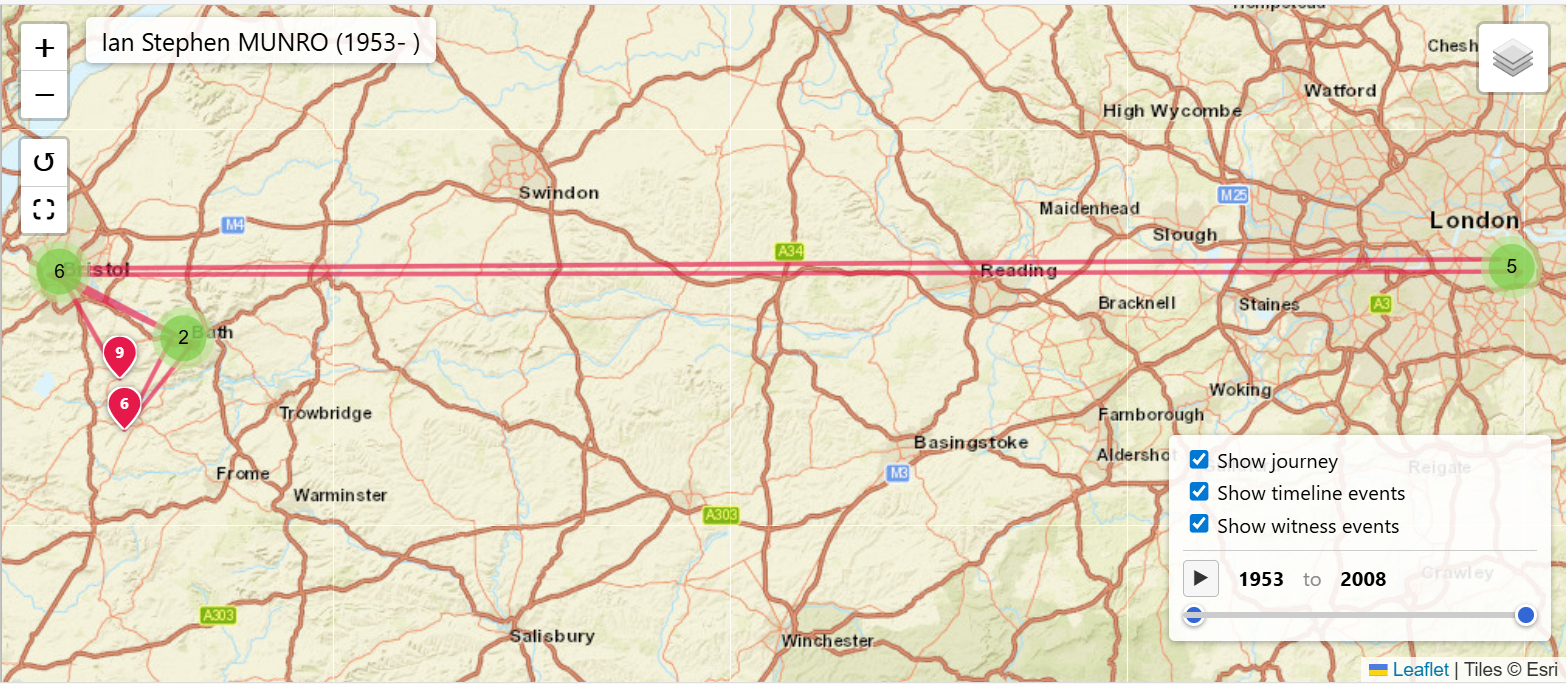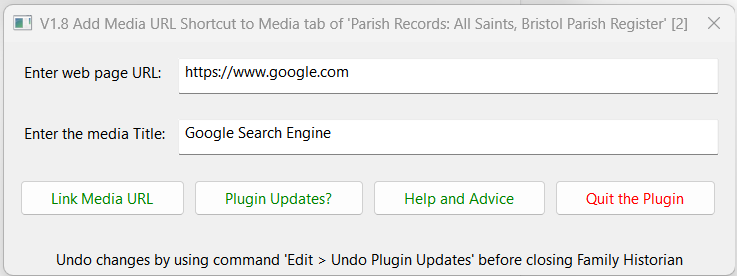
Adds web page URL Shortcut to Media tab of the chosen record.
Family Historian: V5 V6 V7 V8
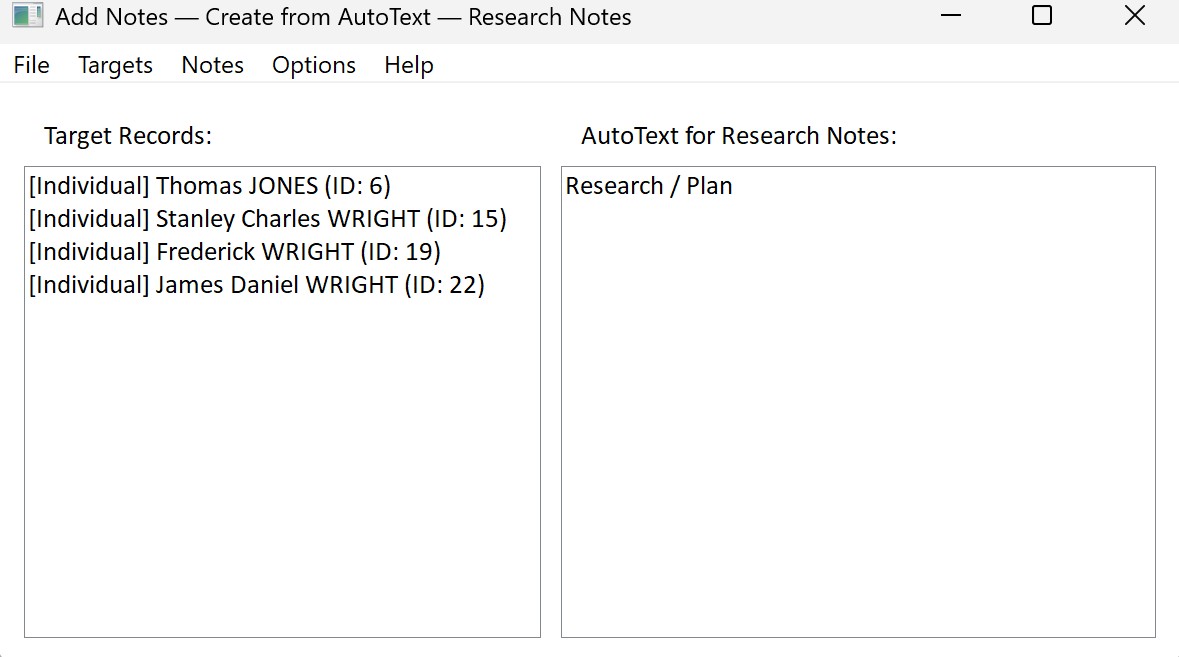
The Add Notes plugin helps you quickly link notes to multiple records in your Family Historian project.
Family Historian: V7 V8
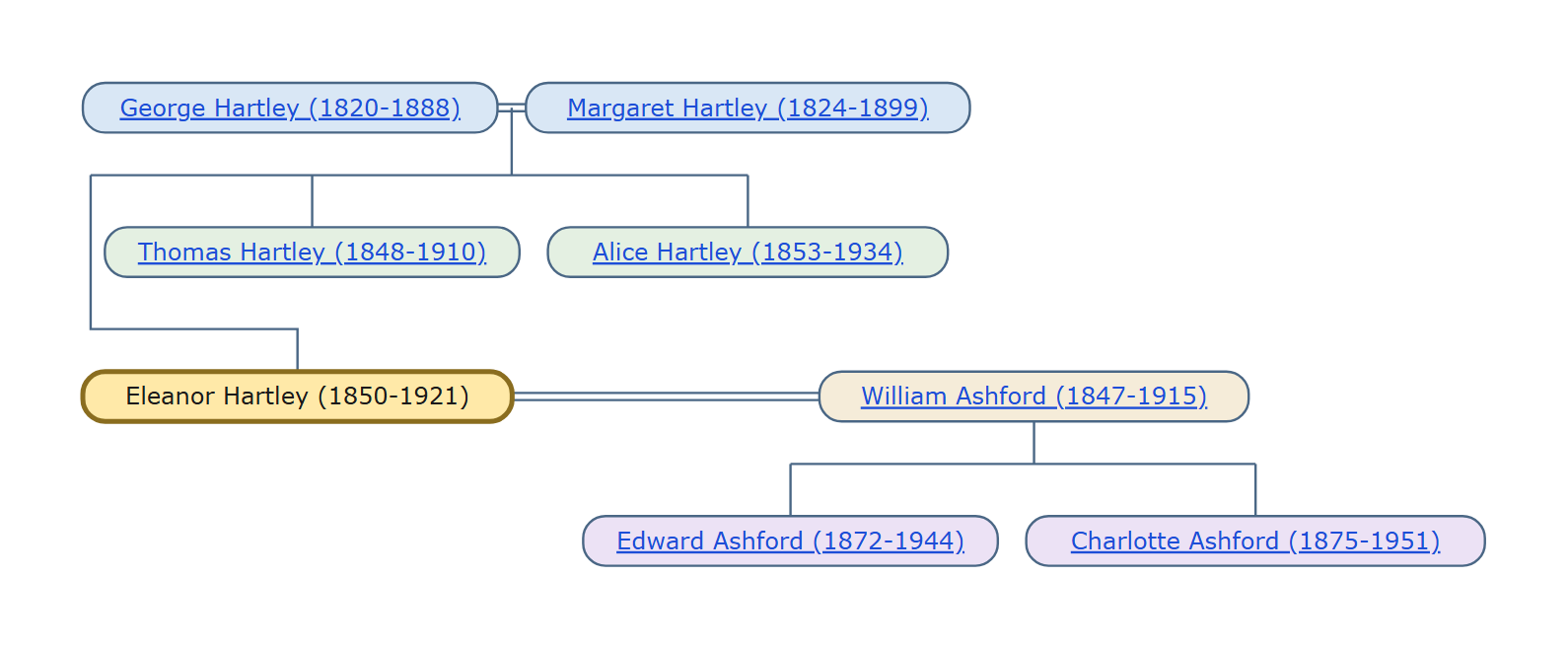
Add Trees draws a three-generation navigation chart for each individual you select: their parents, siblings, spouses or partners, and children.
Family Historian: V7 V8
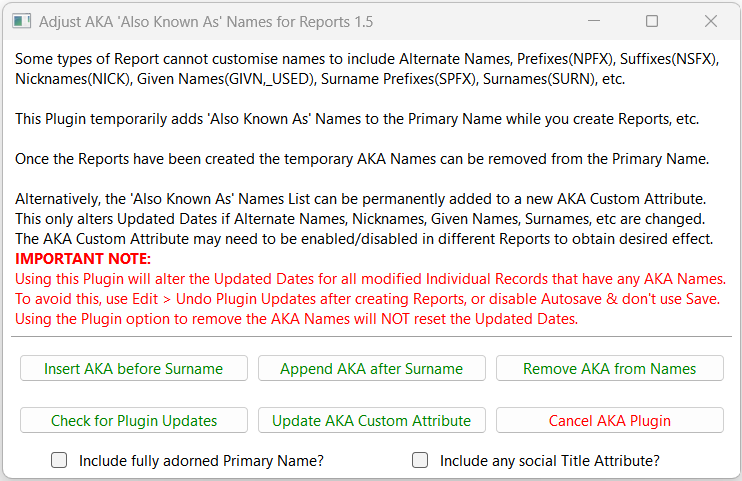
Temporarily adds Also Known As (AKA) Alternate Names, Nicknames, Given Names, Surname Prefixes, etc, to the Primary Name for inclusion in Reports that do not support such names.
Family Historian: V5 V6 V7 V8
Simple result set report of the number of Grandparents recorded for an individual by Generation and the number of direct decendants by generation
Family Historian: V5 V6 V7 V8
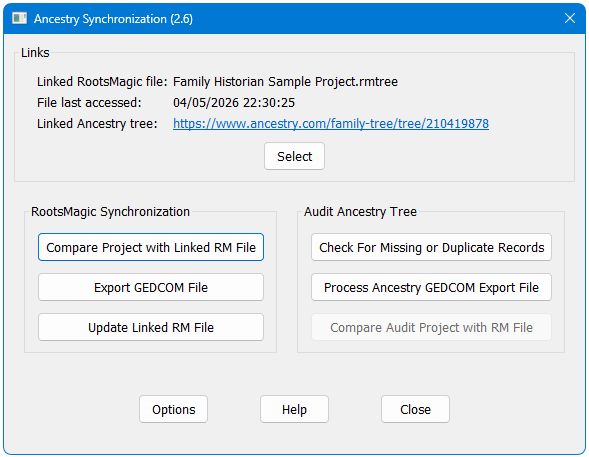
Manages a process whereby an extract of the Family Historian project is kept synchronized with Ancestry to give continuity in hint generation, with a simple optional process for completely removing any reference to living or other private individuals.
Family Historian: V7 V8
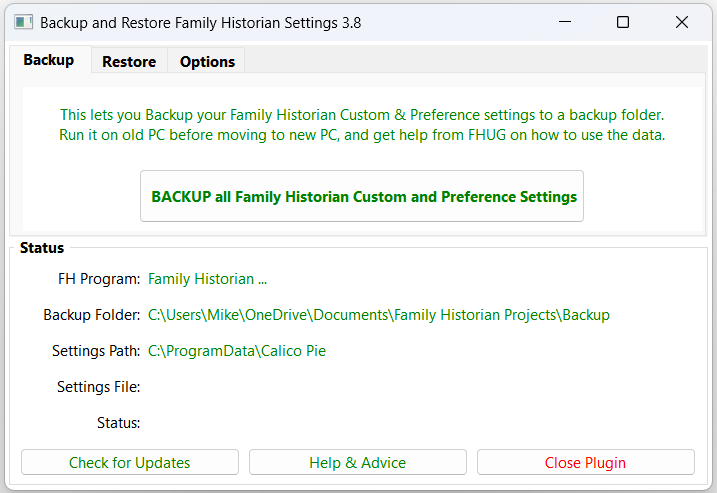
Backup and restore the Family Historian custom settings and preferences, including all Program Data Standard & Custom files and all relevant Windows Registry based settings.
Family Historian: V5 V6 V7 V8

This plugin provides a simple and convenient method for backing up and restoring Family Historian custom settings and features, such as Plugins, Custom Queries, Fact Sets, Language Packs, etc, using Windows scripts for file management.
Family Historian: V5 V6 V7 V8
Launches the Behind the Name Web site for the currently selected Given Names launching a web browser window for each name.
Family Historian: V6 V7 V8

This plugin allows any type of Individual Fact, or Family Fact, or Level 1 Tag, to be deleted or changed in bulk.
Family Historian: V5 V6 V7 V8

This plugin changes a single fact for a specified Individual or Family record to a new fact with the same details and is complementary to the Change Any Fact Tag plugin, which is designed to change multiple instances of a fact selected via defined filters.
Family Historian: V5 V6 V7 V8
Reports all Media Records and Local Media Objects in the Project or GEDCOM with broken/missing file links.
Family Historian: V5 V6 V7 V8
This plugin checks all the media records in your project and compares the files linked to them looking for files which are identical it will pick up both records which are linked to the same file and to those where the names are different, but the contents are the same.
Family Historian: V5 V6 V7 V8

This plugin is similar in concept to the long-established Check for Possible Duplicate Media plugin, but extends the scope to cover all media files, provides more detailed reporting, and adds optional merging of identical media records.
Family Historian: V7 V8

Checks all the media files in the media folder are linked to media records in the Project and optionally can delete or move unlinked files.
Family Historian: V5 V6 V7 V8