
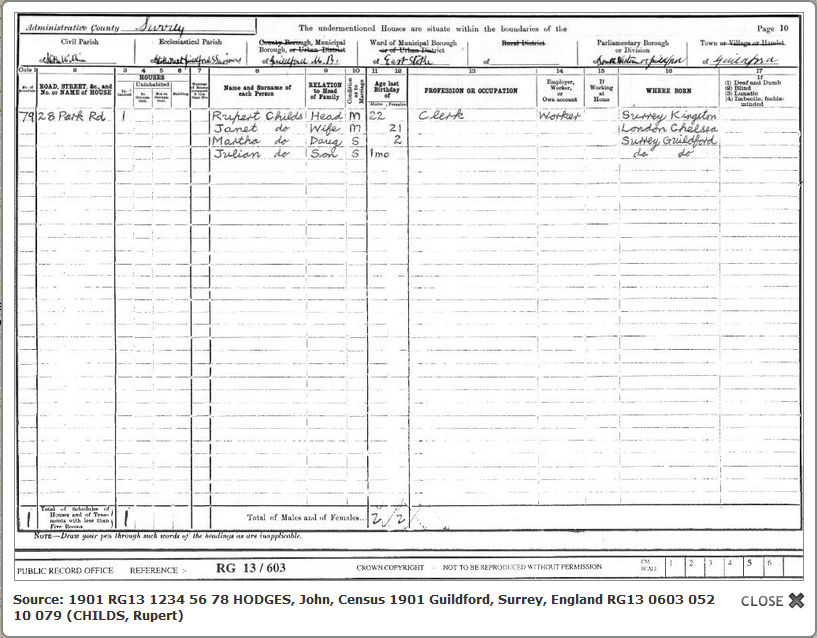
This popup window appears after a short animation after clicking the thumbnail. The window is centred and scaled to fit the browser window, but cannot be moved or resized. Clicking the CLOSE X button or anywhere outside the popup will close its window.
However, the lytebox.js file can be edited in its Configure sections to change many features:
e.g.
this.resizeSpeed = 8 ; sets speed of initial animation (1=slowest and 10=fastest)
this.__autoResize = true ; image must be resized if larger than browser window
this.__doAnimations = true ; controls ALL animation effects
Return to the Media Popups Tab.
Return to the Improve Website or CD DVD HTML main help page.
Plugin Improve Website or CD DVD HTML
Help content on this page is owned and provided by Mike Tate, the plugin's author, Calico Pie takes no responsibility for its content.