
Google Maps mode needs a Google Account. See the Create Google Account advice on creating or recovering a Google account.
It is best to Sign in to your Google Account before proceeding.
See Getting started with Google Maps Platform for general advice and links to some of the steps below.
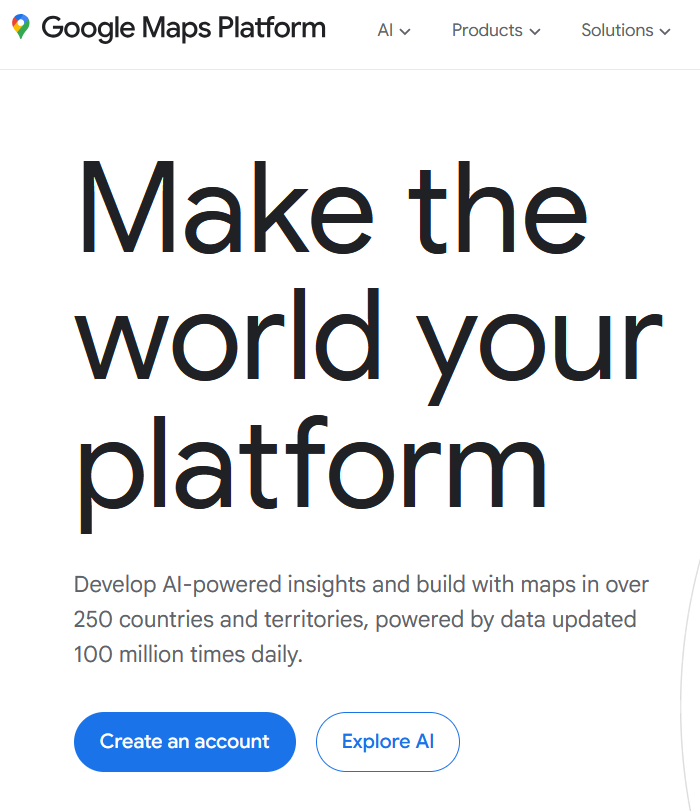
To obtain a free Google Maps API Key visit the Google Maps Platform and under Make your world your platform click the Create an account button as shown below.
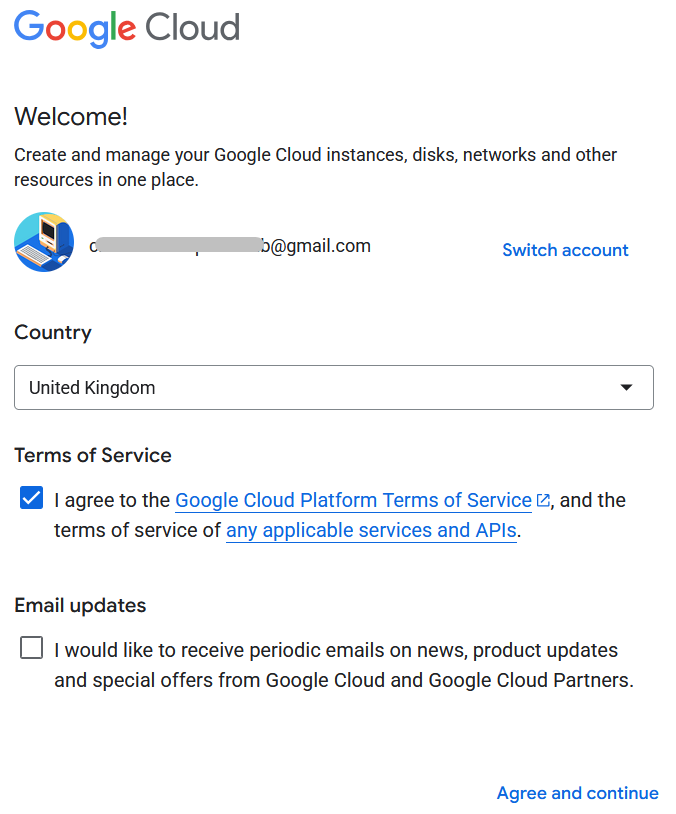
In the Google Cloud popup, enter your Google Account email address, select your Country, accept the Terms of Service, but not necessarily Email updates, and click the Agree and continue link.
In the Welcome! popup click the Skip for now link.
If the following steps do not behave as described then STOP and ask for advice in the FHUG Forum for Plugin Technical Support & Development.
- Create Billing Account with your credit/debit card;
- Get Personal API Key authorisation code for API;
- Activate Billing Account with free monthly credit;
Paste the 39-character Google Maps API Key into the plugin Set Preference Options tab, Location Plot Options tab, Google Maps Key box.
The Google Account does NOT need to remain signed in.
Finally, Close Plugin and run it again to ensure the new API Key is applied to the Google Maps features.
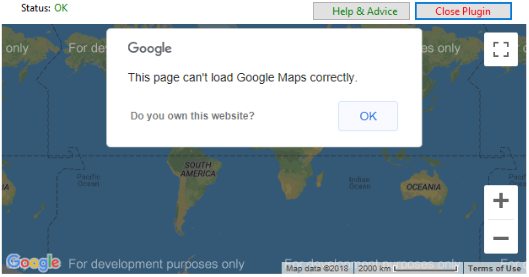
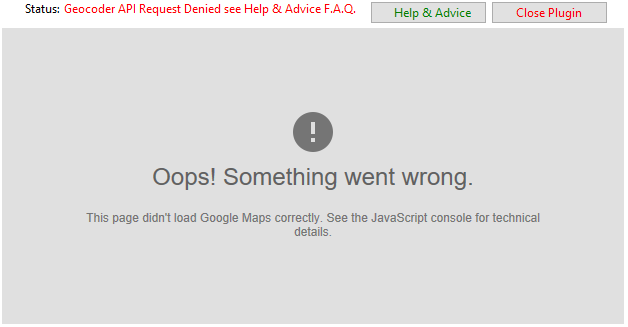
If the above steps are not applied correctly, then the following plugin error screens may arise.
Return to the Geocoding and Mapping help page.
Plugin Map Life Facts
Help content on this page is owned and provided by Mike Tate, the plugin's author, Calico Pie takes no responsibility for its content.